Complete your first governed audit: from GitLab connect to review-ready issue candidates in /app.
Who this is forNew operators and engineers onboarding to Premortem.
Prerequisites- Local stack running (see Local setup).
- A GitLab project you can authorize, or PREMORTEM_INGEST_LOCAL=1 for local verification ingest only.
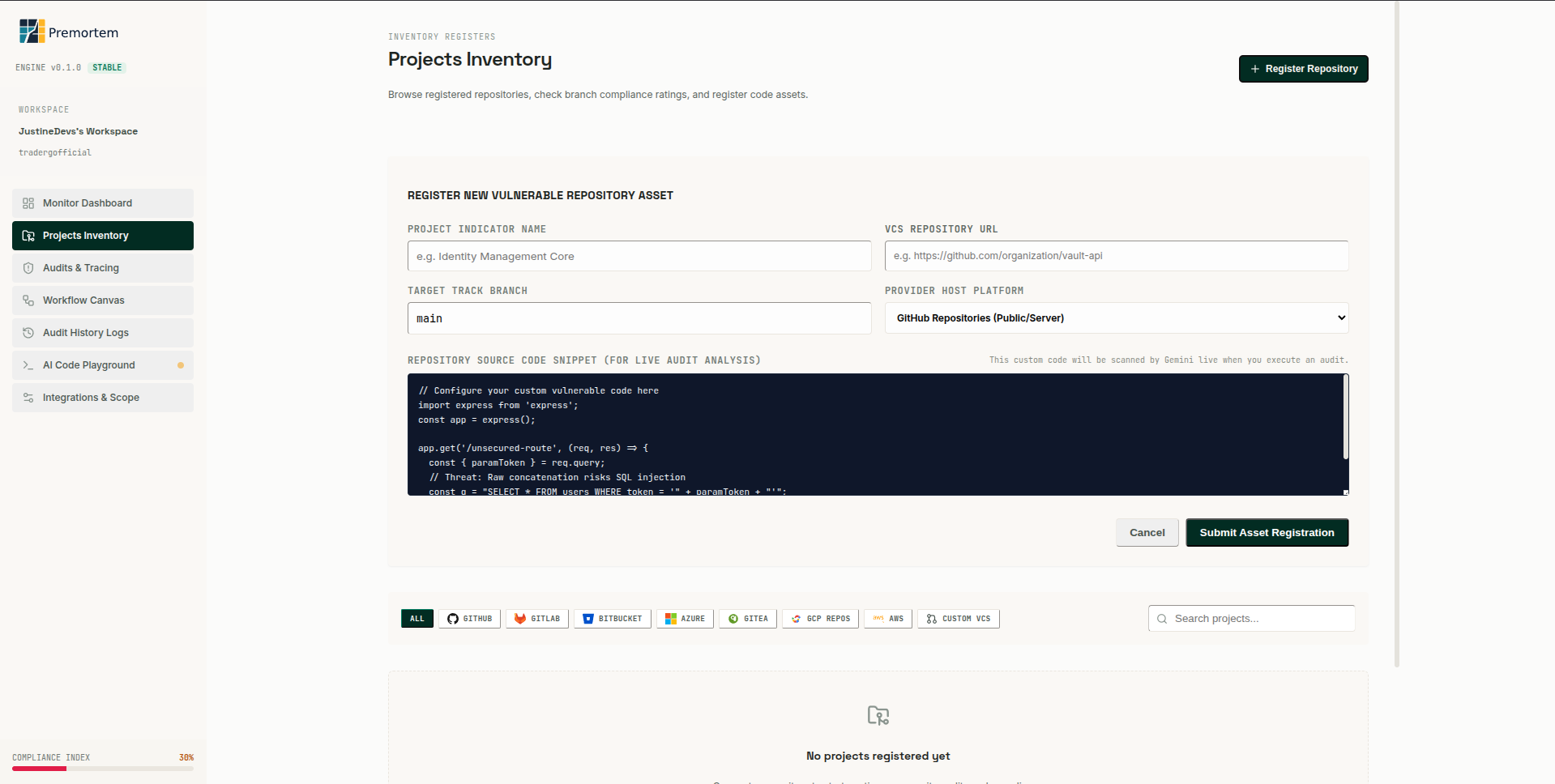
Step 1: connect GitLab and register the target repository.Connect GitLab
- Open /app → Settings → Integrations.
- Authorize GitLab OAuth and register the target repository + branch.
- Confirm the project appears on the Dashboard with branch context.
Trigger the audit
- Trigger surfaces: MR comment, Duo sidebar, pipeline/job, or the Run audit button in Dashboard/Projects.
- The input always includes the project plus branch or MR context, so the audit is grounded before analysis starts.
- The API enqueues an audit job; status moves queued → running.
- Continuous audit toggle (sidebar or dashboard): OFF means manual scans only; ON enables automatic idle rotation.
Monitor runtime
- Operations Runtime on Dashboard shows pipeline steps and agent logs.
- Use Stop all to cancel active runs and turn off automatic rotation so you can start scans manually.
- Resume continues a individually paused audit from its saved checkpoint (when applicable).
- Swarm tab in Audits shows repository vs runtime specialist lanes.
Review outputs
- Open Audits → select the run → Findings tab.
- Inspect one finding, follow source evidence, and review the graph-backed lineage.
- Confirm, edit, or reject synthesized issue candidates.
- Approved items become publishable GitLab issues (see Review & publish guide).
Expected result
An audit run with agent telemetry, deduplicated clusters, and issue candidates awaiting reviewer approval.
Was this article helpful?