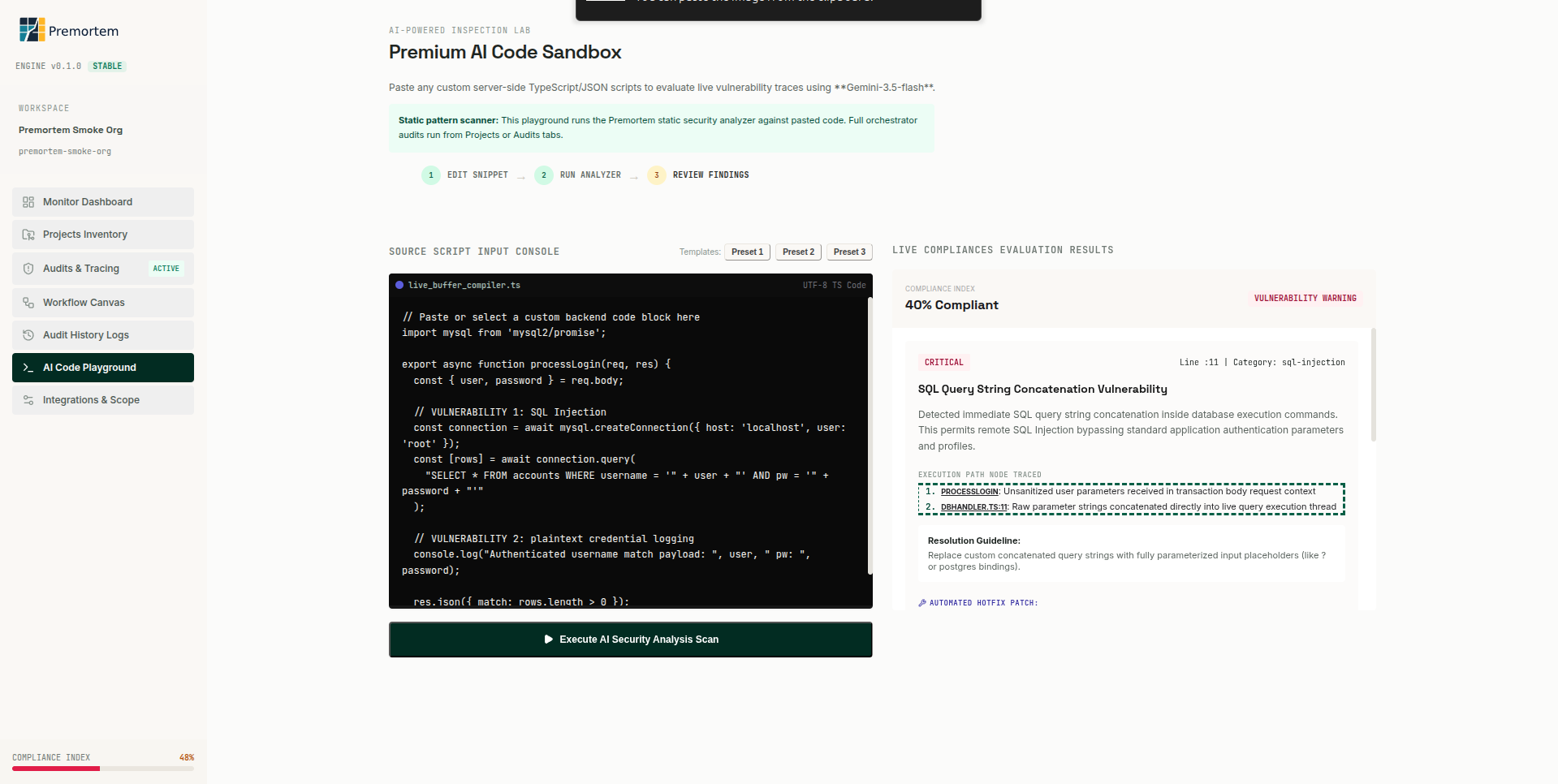
Analysis flow
- 1. Edit snippet: paste or pick a preset TypeScript buffer.
- 2. Run analysis: execute the focused analysis path.
- 3. Review Findings: severity, category, execution path, and patch hints.
Source input
- Console accepts server-side TypeScript/JSON for focused code analysis.
- Preset snippets cover SQL injection and credential logging patterns.
- Custom code from Projects can also be analyzed before a full audit trigger.
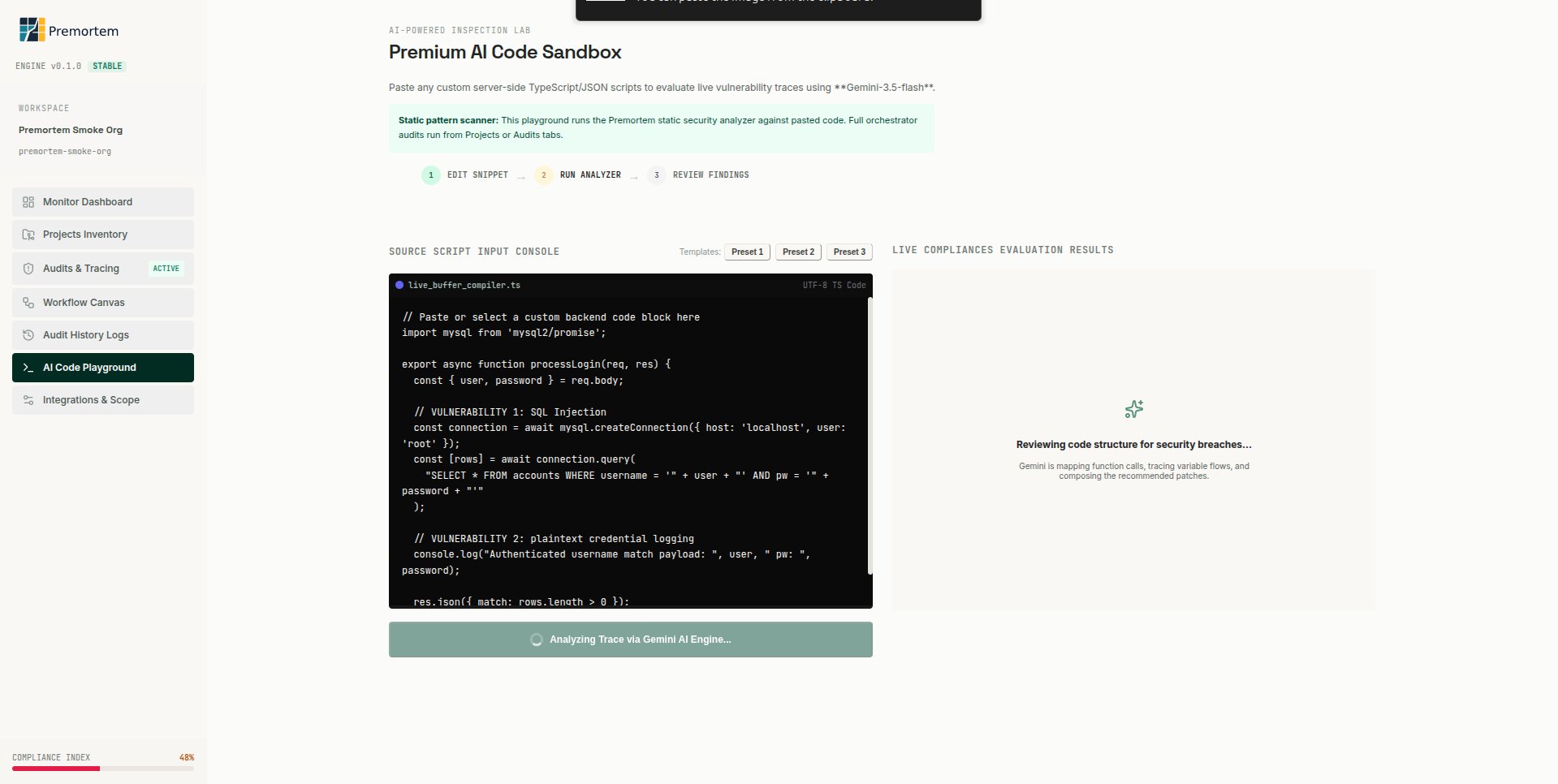
Results
- Compliance index score for the snippet (not whole-repo rating).
- Critical/High/Medium findings with line numbers and categories.
- Resolution guideline and optional suggested patch.
Scope vs full audit
- Focused analysis runs a smaller analysis path, not the full 13-agent swarm.
- No GitLab publish from code analysis: use Audits & Tracing for governed issue sync.
- Full audits include graph ingest, dual lanes, clustering, and reviewer gates.
Note
For production risk coverage, always run a full audit from Projects or Dashboard.