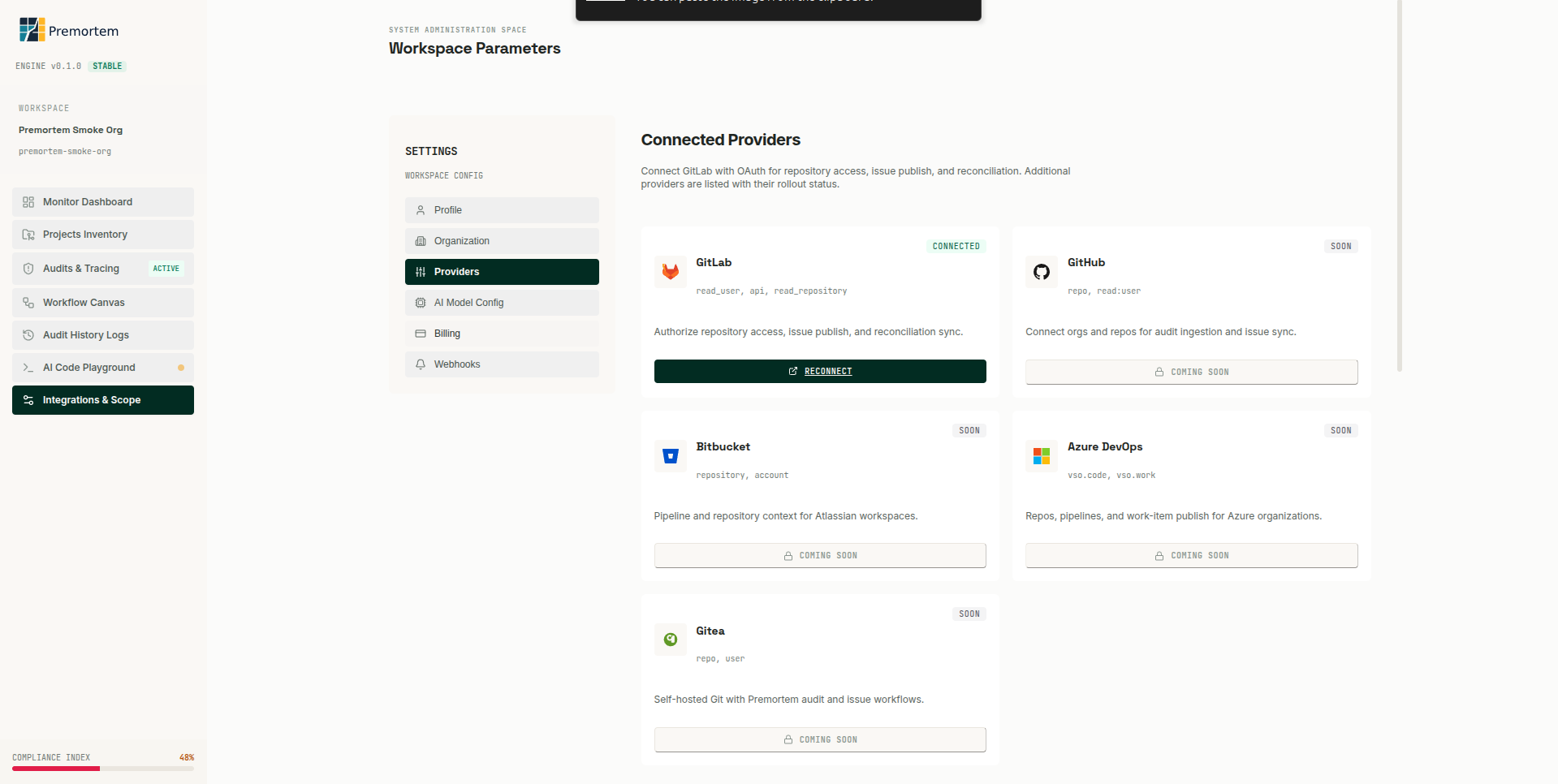
What GitLab provides
Repository files, merge request context, CI pipeline configuration, and issue APIs for structured publish and reconciliation workflows.
OAuth setup
- Create GitLab OAuth application with redirect URI: {NEXT_PUBLIC_APP_URL}/api/integrations/callback/gitlab.
- Scopes: read_user, api, read_repository (as shown in Settings UI).
- Set GITLAB_CLIENT_ID and GITLAB_CLIENT_SECRET in .env.local / production secrets.
- Use 127.0.0.1 consistently in local dev to avoid redirect loops.
GET /api/integrations/connect/gitlab?next=/app%3Ftab%3DprojectsMCP and API
Premortem uses GitLab MCP for agent context and REST APIs for publish flows. Cursor IDE connects to gitlab.com/api/v4/mcp with OAuth; server-side publish uses PAT or OAuth token.
Reviewer path
After an audit completes, reviewers approve issue candidates in /app before sync. Publish confirmation and reconciliation keep GitLab issues aligned with audit output.
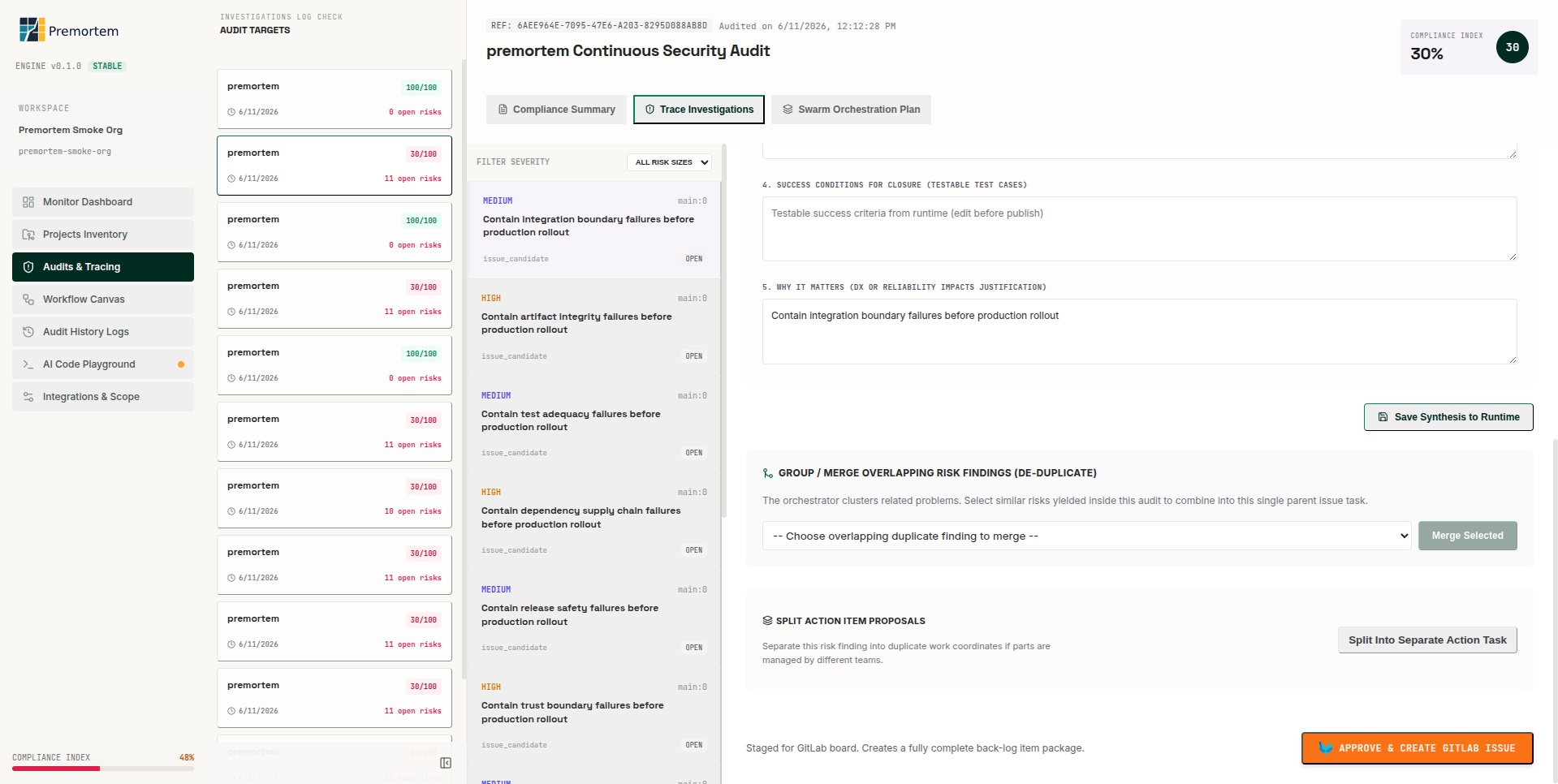
Reconciliation
- POST /api/issues/reconcile compares local snapshot vs remote GitLab issue.
- Drift fields: title, labels, state when remote issue edited outside Premortem.
- PREMORTEM_RECONCILE_DRY_RUN=1 logs comparison without writes.